

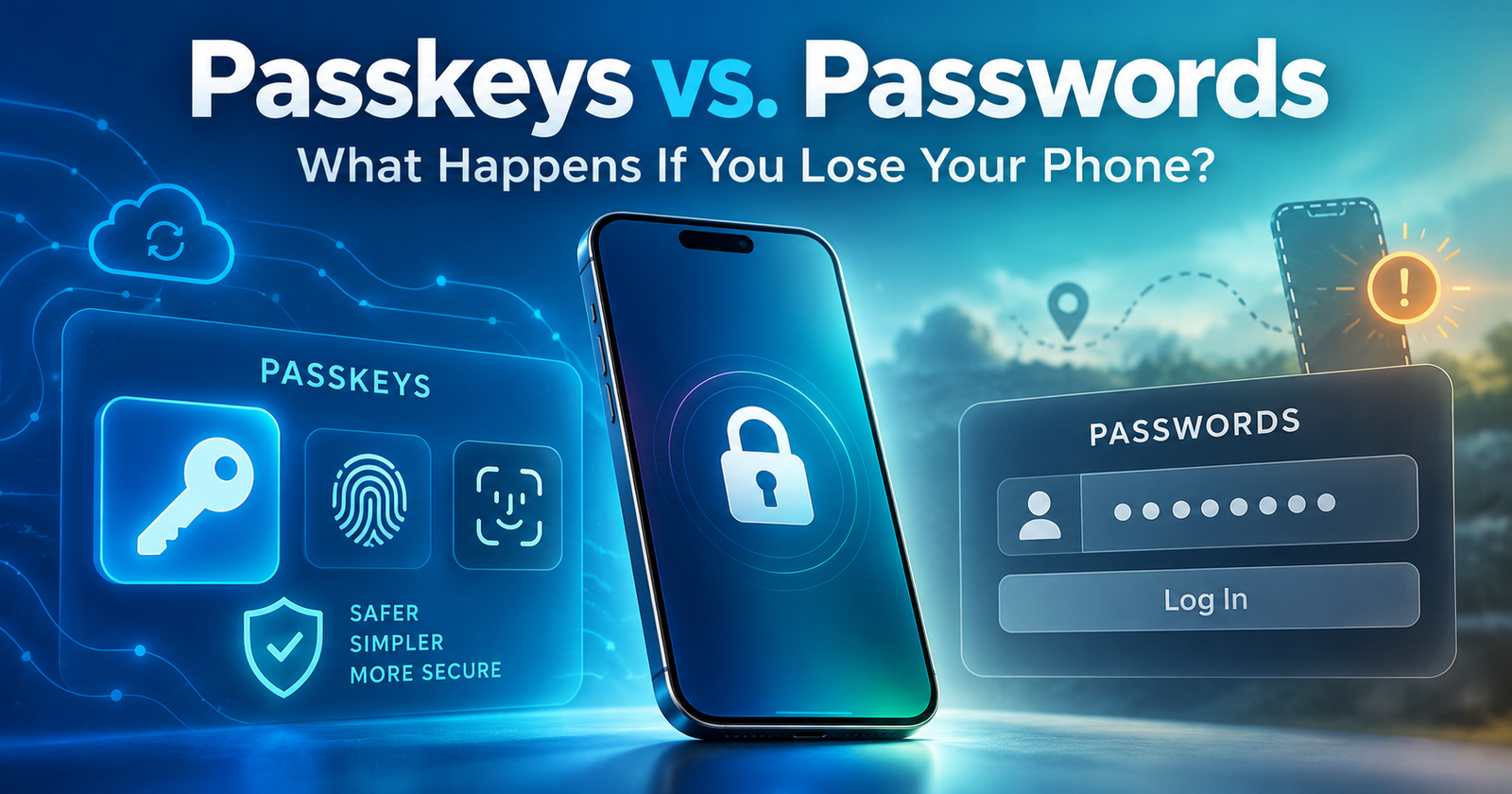
Losing a smartphone can create more problems than the cost of replacing it. For many people, one device provides access to email, banking, online shopping, social media, and business accounts. As websites increasingly introduce passkeys instead of traditional passwords, an important question arises: what happens to your passkeys if you lose your phone? Could losing a single device also mean losing access to your digital accounts?
Passkeys offer a simpler, more phishing-resistant way to sign in using fingerprints, facial recognition, or device PINs instead of conventional passwords. They reduce exposure to common cyber threats, particularly phishing and password theft. However, passwordless authentication also raises questions about device replacement, credential storage, and account recovery. The passkeys vs passwords comparison is therefore not simply about choosing a safer login method; it is also about ensuring that important accounts remain accessible when something goes wrong.
Fortunately, losing a phone does not automatically mean losing its passkeys. Many credentials can be synchronized through secure credential managers, while others remain attached to specific devices. Knowing the difference and preparing suitable recovery options can prevent a lost phone from becoming a much larger digital security problem.
What Are Passkeys, and How Do They Work?
A passkey is a digital credential that allows users to sign in to supported websites and applications without entering a traditional password. Instead of relying on a secret that must be remembered or typed, passkeys use public-key cryptography. When a passkey is created, the website registers a public key, while the corresponding private key remains protected by the user’s device or credential provider. During sign-in, the private key signs a cryptographic challenge that the website verifies without receiving the private key itself.
Although this process involves sophisticated security technology, the user experience is relatively simple. A person may unlock their phone using a fingerprint, facial recognition, or a PIN, allowing the device to complete authentication. Biometric information normally stays on the device rather than being shared with the website. According to the FIDO Alliance, passkeys are designed to resist phishing because they are cryptographically associated with the legitimate website or application.
This protection is particularly important when criminals create fraudulent login pages to steal credentials. A traditional password can be entered into a convincing fake website, whereas a passkey registered to the genuine service cannot ordinarily authenticate an unrelated domain. This fundamental difference in passkeys vs passwords demonstrates how passkeys strengthen security by changing the authentication process itself, rather than simply requiring users to create stronger passwords.
Passkeys vs. Passwords: Which Is Safer?
Traditional passwords remain common because they are familiar and can generally be entered on different devices. However, weak passwords, repeated credentials, phishing attacks, and data breaches create serious security risks. Password managers and multi-factor authentication reduce these dangers, but users can still be tricked into disclosing passwords or authentication information.
Passkeys address several of these weaknesses through cryptographic authentication. They do not require users to remember a reusable secret, and each passkey is associated with a particular service. Nevertheless, passkeys introduce different considerations, especially when credentials are stored on devices that may be lost, damaged, or replaced.
| Feature | Passwords | Passkeys |
| Authentication | Reusable secret | Public-key cryptography |
| Sign-in method | Password entry or autofill | Fingerprint, face, or device PIN |
| Phishing resistance | Passwords can be stolen | Resistant to conventional phishing |
| Credential reuse | Possible across websites | Service-specific credentials |
| Device replacement | Password can often be entered elsewhere | Depends on storage and synchronization |
| Recovery | Reset or alternative verification | Synced credentials or account recovery |
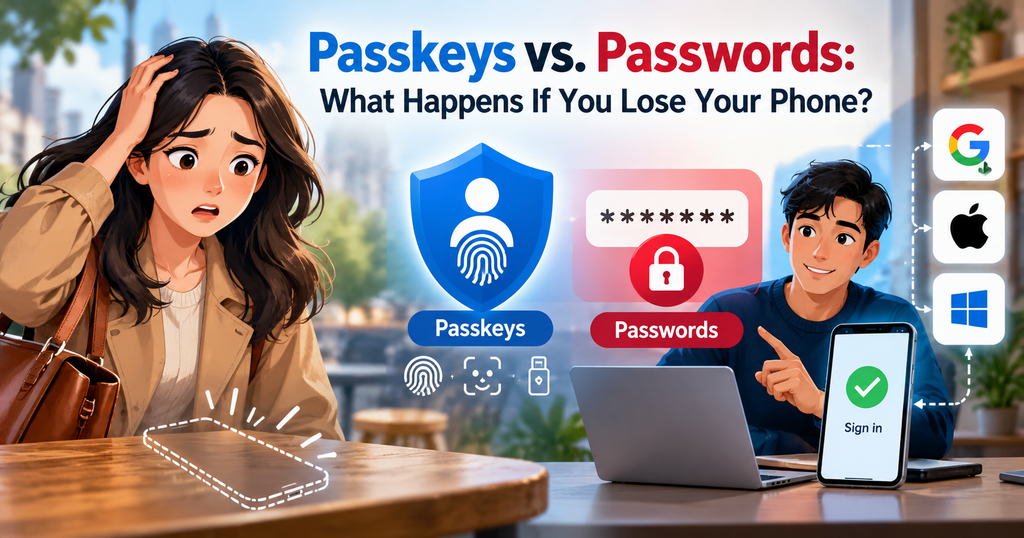
Passkeys generally offer stronger protection against traditional phishing and password theft, but they are not completely immune to cyberattacks. Compromised devices, stolen login sessions, malicious software, and fraudulent recovery attempts can still expose accounts. Effective digital security therefore requires both reliable authentication and sensible recovery arrangements.
What Happens to Your Passkeys If You Lose Your Phone?
Whether passkeys remain accessible after losing a phone depends primarily on where they are stored. Some credentials synchronize through compatible credential managers, making them available on additional devices. Others are device-bound, meaning the original credential remains associated with a particular authenticator and cannot simply be restored elsewhere.
This distinction matters because recovering an account is not always the same as recovering its original passkey. Users may regain access through an alternative verification method and create a new passkey even when the credential stored on a lost device cannot be restored. This recovery challenge highlights an important difference in passkeys vs passwords, particularly when the missing device holds the user’s only registered authentication credential.
Lost Your Phone? Find Out Which Recovery Option Applies
The first step is to establish whether your passkey was synchronized, stored only on the missing device, or registered alongside another authentication method. These situations can produce different recovery outcomes, so identifying the applicable arrangement before changing account settings can prevent unnecessary complications.
| Your situation | What it means | Recommended action |
| Passkeys are synchronized | Credentials may be available through your passkey provider | Restore access to the provider on a trusted replacement device |
| Another device has a working passkey | An alternative sign-in method may already exist | Sign in using that device and review registered credentials |
| Passkey was device-bound | The original private key may be unavailable permanently | Use another authenticator or the official account recovery process |
| Password or backup method remains available | Access may be possible without the missing passkey | Use the supported alternative and register a replacement passkey |
| No alternative sign-in method works | Recovery depends on the service’s policies | Follow the official recovery procedure; success is not guaranteed |
Recovering a website account does not necessarily restore the original passkey. In some cases, users can regain access through another accepted method and create a new credential even though the passkey stored on the missing device is permanently unavailable. Before deleting an old credential, confirm that the replacement sign-in method works, and take appropriate steps to secure any account access associated with the missing device.
Synced Passkeys: Recovering Credentials on Another Device
Synced passkeys can be securely made available across compatible devices through providers such as Google Password Manager, Apple’s iCloud Keychain, supported Microsoft credential management services, and third-party password managers. If a phone is lost, users may be able to restore access to their credential manager on a replacement device and retrieve their synchronized passkeys
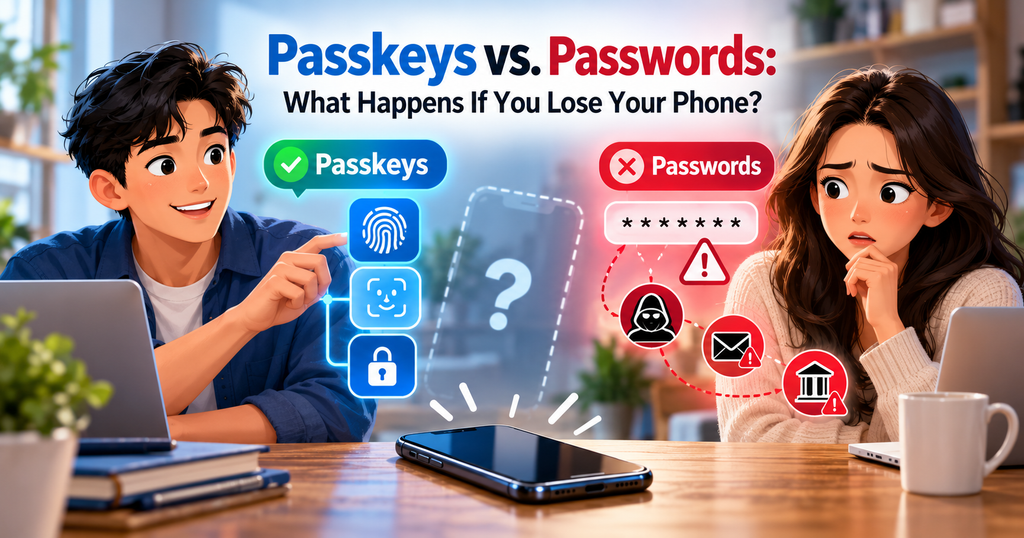
For example, someone who loses an iPhone may still have access to their passkeys on another trusted Apple device. Similarly, a user whose credentials are synchronized through Google Password Manager may be able to access them again after satisfying the provider’s security requirements. However, synchronization does not guarantee effortless recovery. Trusted devices, account credentials, security codes, or additional verification may still be necessary.
Device-Bound Passkeys: Why Backup Access Matters
Device-bound passkeys are associated with a particular authenticator rather than being synchronized through a credential manager. Hardware security keys and certain locally stored credentials are examples. If the original authenticator is permanently lost or damaged, its private key generally cannot be restored onto another device.
This does not necessarily mean the associated account is permanently inaccessible. A user may still sign in with another registered passkey, an alternative authentication method, or the service’s official recovery procedure. The greatest risk arises when someone relies on a single device-bound credential without establishing any accepted backup option. For this reason, understanding how passkeys are stored is an essential part of account security.
How to Recover Passkeys on Android, iPhone, and Windows
Google, Apple, and Microsoft support passkey authentication, but their credential storage systems and recovery procedures differ. The appropriate steps depend on the account, device, and credential provider. Understanding these differences is an important part of the passkeys vs passwords comparison, particularly when recovering account access or replacing a lost device. Users should identify where their credentials are stored before removing or changing any authentication method.
Google and Android Passkey Recovery
If an Android phone is lost, users should first determine whether their passkeys were synchronized through Google Password Manager or stored through another provider. Synced credentials may become accessible on a compatible replacement device after the user successfully restores access to the credential manager. However, a passkey used to access a Google Account is not necessarily the same as a passkey stored for another website, and the recovery procedures may differ.
For Google Account sign-in, users who cannot access their passkey can select “Try another way” to return to previously available authentication options. Google explains that adding a passkey does not automatically remove existing authentication or recovery factors, although the available options depend on the account’s security configuration. Once access is restored, users should review the missing device, remove inappropriate access, and confirm that another sign-in method works. Google’s official passkey sign-in and recovery guidance provides detailed instructions for managing lost or unavailable credentials.
Apple and iPhone Passkey Recovery
Apple users with iCloud Keychain enabled may have synchronized passkeys available on other trusted Apple devices. When setting up a replacement iPhone, restoring access may involve Apple Account authentication, trusted telephone numbers, a previous device passcode, or other approved verification methods. Apple’s recovery arrangements are designed to protect encrypted credentials while allowing legitimate users to regain access under supported conditions.
If an iPhone is stolen, users should protect it through Apple’s Find My service and review account security before making unnecessary changes to stored credentials. Apple’s iCloud Keychain guidance explains synchronization and recovery across compatible devices. Passkeys saved in a third-party password manager, however, follow that provider’s recovery arrangements rather than automatically becoming part of iCloud Keychain.
Microsoft and Windows Passkey Recovery
Microsoft distinguishes passkeys stored locally on a Windows device from those saved through synchronized credential managers. A locally stored passkey may need to be replaced if the computer is permanently lost, while a synchronized passkey can become available after the user restores access to the supported credential manager on another device. Users should establish a working alternative sign-in method and register replacement passkeys before deleting obsolete credentials whenever possible.
Microsoft’s official guide to managing saved passkeys explains how users can review credentials and manage authentication methods. Removing or replacing Microsoft Account security information can involve additional verification and, in certain circumstances, restrictions or waiting periods. Business and school accounts may also follow organizational security policies, meaning some users will need assistance from their IT administrators.
Can You Use Passkeys Across Different Devices?
Passkeys are not necessarily restricted to one brand of smartphone or computer. Some synchronized credential managers support multiple operating systems, while supported cross-device authentication can allow a nearby phone to approve sign-in on another device. For example, certain services display a QR code on a computer that can be scanned using a phone containing the appropriate passkey.

However, using a passkey across devices is different from transferring its stored private key between unrelated credential providers. Compatibility depends on the authentication service, operating system, browser, and passkey manager. Someone switching from Android to iPhone, or from one password manager to another, should check whether existing credentials will remain accessible or whether replacement passkeys must be registered. The safest approach is to test the new sign-in arrangement before removing access associated with the previous device.
Seven Ways to Avoid Losing Access to Your Passkeys
Preparing for device loss is easier than recovering an account without established backup options. While discussions about passkeys vs passwords often emphasize protection against phishing and credential theft, these seven precautions address another critical concern: preventing account lockout while maintaining strong authentication and reliable recovery options.
1. Identify Where Your Passkeys Are Stored
Check whether your credentials are stored through Google, Apple, Microsoft, a third-party password manager, or a device-specific authenticator. Different accounts may use different providers, so identifying each storage location helps determine which recovery procedures apply and whether your credentials can become available on another device.
2. Check Whether Your Passkeys Are Synced
Determine which important passkeys are synchronized and which are device-bound. Synced credentials may be available through a restored credential manager, while device-bound passkeys require particular attention to alternative authentication methods. Do not assume that every passkey saved on a smartphone is automatically backed up.
3. Register a Backup Authentication Method
Where supported, register an additional passkey on a separate trusted device, use an appropriate hardware security key, or configure another accepted recovery method. Having an independent way to authenticate can reduce dependence on one phone or computer and make device replacement considerably easier.
4. Keep Recovery Information Updated
Review recovery email addresses, telephone numbers, and backup codes for important accounts. Store sensitive recovery information securely and separately from the device it may be needed to replace, since outdated contact details or inaccessible backup codes can make account recovery much more difficult.
5. Protect Your Devices and Credential Manager
Use a strong screen lock, keep operating systems updated, and enable appropriate lost-device protection features. The account protecting synchronized passkeys also requires strong authentication because unauthorized access to a credential manager or its recovery mechanisms could create additional security risks.
6. Test Your Alternative Sign-In Method
Where permitted, confirm that another registered device or authentication method works before an emergency occurs. Testing should not involve deleting an existing credential or making unnecessary security changes that could accidentally prevent access. The objective is to verify that an alternative method is available without weakening current protection.
7. Prepare a Simple Account Recovery Plan
Maintain a secure record of which credential providers protect important accounts and which backup methods are available. Avoid exposing confidential passwords or recovery codes in an unsecured document. A basic recovery plan can save valuable time if a device is lost, stolen, or damaged, particularly when several essential accounts depend on the same phone.
These precautions cannot guarantee recovery in every situation, but they reduce unnecessary dependence on a single device and improve preparedness for unexpected problems.
What Should You Do If Your Phone Is Stolen?
A stolen phone introduces additional security concerns because an unauthorized person may attempt to access the device, existing login sessions, or sensitive recovery information. Users should promptly secure the missing phone through the relevant official service, including remote locking or erasure where available and appropriate. They should then review important accounts from another trusted device, investigate suspicious sessions, and follow provider instructions for revoking access associated with the stolen device.
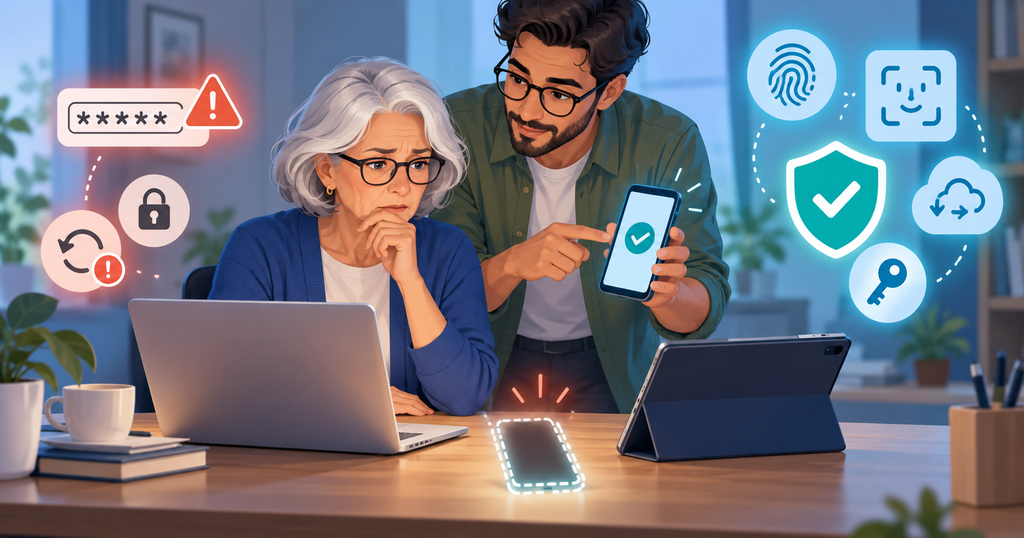
It is important to avoid removing the only working authentication method before confirming an alternative, while still acting promptly to contain suspected unauthorized access. Users should also contact their mobile carrier when a stolen SIM or telephone number could affect account recovery, and inform their employer if the device provides access to business systems. Fraudulent messages claiming to locate or recover stolen phones are another concern, particularly when they request verification codes, device passcodes, or other confidential information.
Possessing a stolen phone does not automatically provide access to every passkey stored on it because local authentication generally protects credential use. Nevertheless, an unlocked or compromised device can create risks that extend beyond passkeys themselves. Prompt action should address both device security and continued access to important accounts.
Should You Replace All Your Passwords With Passkeys?
Passkeys offer a meaningful security improvement and are worth adopting for supported accounts, particularly when reliable recovery options are available. They reduce exposure to conventional phishing and eliminate the need to enter reusable passwords during normal sign-in. However, choosing between passkeys vs passwords is not necessarily an all-or-nothing decision. Some services still require passwords, while others offer passkeys alongside existing authentication methods.
Creating a passkey also does not necessarily remove an account’s existing password. If password-based sign-in remains available, that authentication method still requires appropriate protection. For most users, gradual adoption is sensible: enable passkeys on important supported accounts, establish reliable recovery options, and continue using unique passwords and suitable multi-factor authentication wherever passwords remain necessary.
Authentication is also a customer-experience issue. Complicated login procedures can discourage users, while poorly designed recovery systems can create frustration when access is interrupted. As BusiPulse explored in its article on customer friction, even small obstacles can affect how people interact with digital services. Passkeys can reduce sign-in friction, but their long-term value also depends on providing secure, understandable recovery options.
Frequently Asked Questions About Passkeys vs. Passwords
Will I lose all my passkeys if I lose my phone?
Not necessarily. Synced passkeys may become available through a compatible credential manager after its recovery requirements are satisfied. Device-bound credentials cannot ordinarily be restored from a permanently lost authenticator, but another registered passkey or official recovery method may still allow account access.
Can someone use my passkeys if they steal my phone?
Not automatically, because passkey use is normally protected by device authentication such as a PIN, fingerprint, or facial recognition. However, an unlocked or compromised phone can create security risks, making prompt device protection and account review important.
Do passkeys work without fingerprints?
Yes. Many passkey systems support a device PIN or passcode as an alternative to biometric authentication. Fingerprints and facial recognition are convenient unlocking methods rather than universal requirements for passkey use.
Can I use the same passkey on multiple devices?
Synced passkeys can become available across compatible devices supported by the relevant credential provider. Device-bound passkeys do not synchronize in the same way, although websites may allow users to register separate passkeys on multiple authenticators.
Are passkeys completely safe from hackers?
No authentication method eliminates every cybersecurity risk. Passkeys offer strong protection against conventional phishing and password theft, but compromised devices, stolen sessions, and fraudulent account recovery attempts can still threaten users. Responsible device security and reliable recovery procedures remain essential.
Final Thought
Passkeys represent an important improvement over traditional passwords by reducing the risks associated with phishing, credential theft, and password reuse. Their growing adoption can make digital authentication more convenient, but security should not come at the expense of recoverability. Losing a phone does not necessarily mean losing account access, particularly when synchronized credentials and appropriate backup methods are available.
The most important lesson from passkeys vs. passwords is that effective account protection involves both preventing unauthorized access and preparing for unexpected device loss. By understanding where passkeys are stored, maintaining recovery information, and testing alternative authentication methods, users can benefit from stronger security without becoming unnecessarily dependent on a single device.
Author’s Note
This article is published by BusiPulse for general educational and digital-security awareness purposes and does not constitute professional cybersecurity, legal, financial, or account recovery advice. Passkey availability, synchronization, device compatibility, and recovery procedures vary between providers, operating systems, account configurations, and organizational security policies. Readers should consult official service documentation before modifying important authentication settings or removing existing credentials.
Readers are not required to agree with the author’s interpretations or conclusions. They are encouraged to examine available evidence, consider their individual security needs, and seek qualified assistance when appropriate. BusiPulse explores business, technology, economics, and consumer issues with an emphasis on reliable information, practical understanding, and informed decision-making.